
See and hear, live.
Check in on your baby from the phone you keep with you.
 Ninna
Start free
Ninna
Start free
A little closer, wherever you are
Use your existing phones to watch, listen and stay close — free on your home Wi-Fi.
iPhone + Android.
Little moments matter.
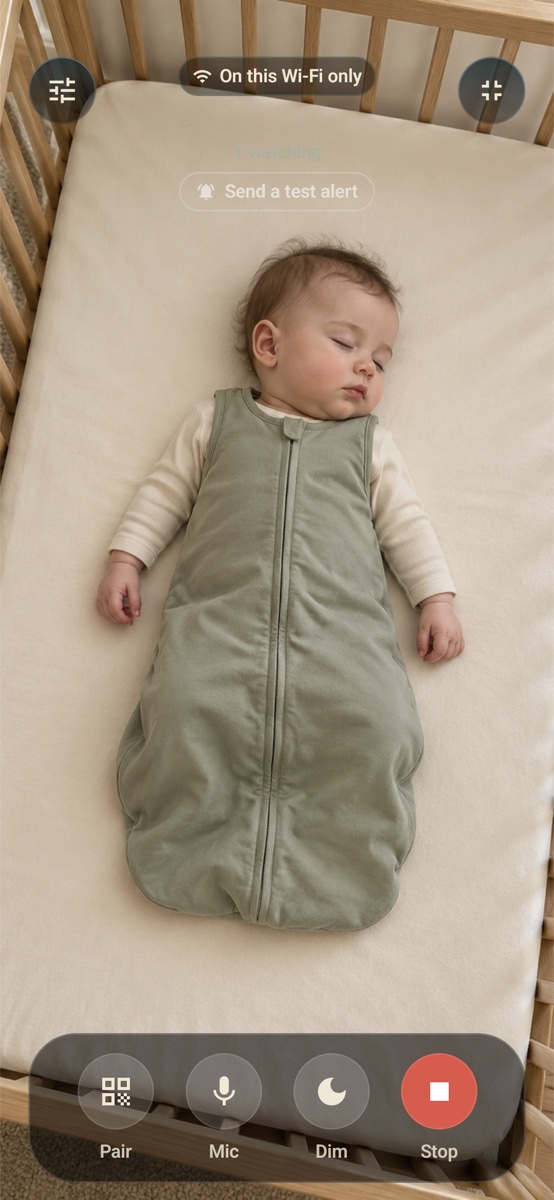
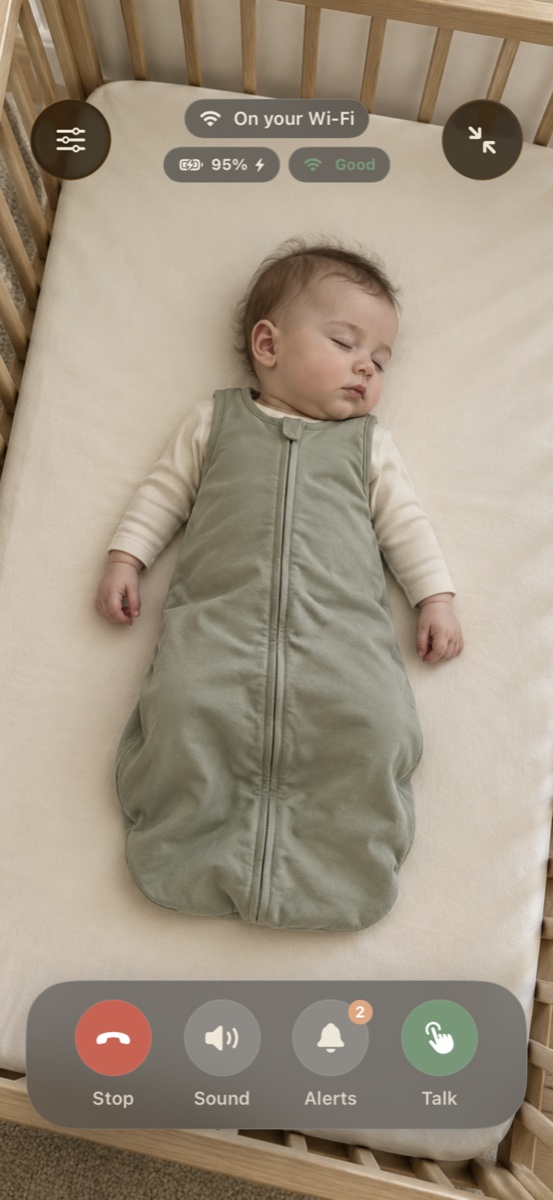
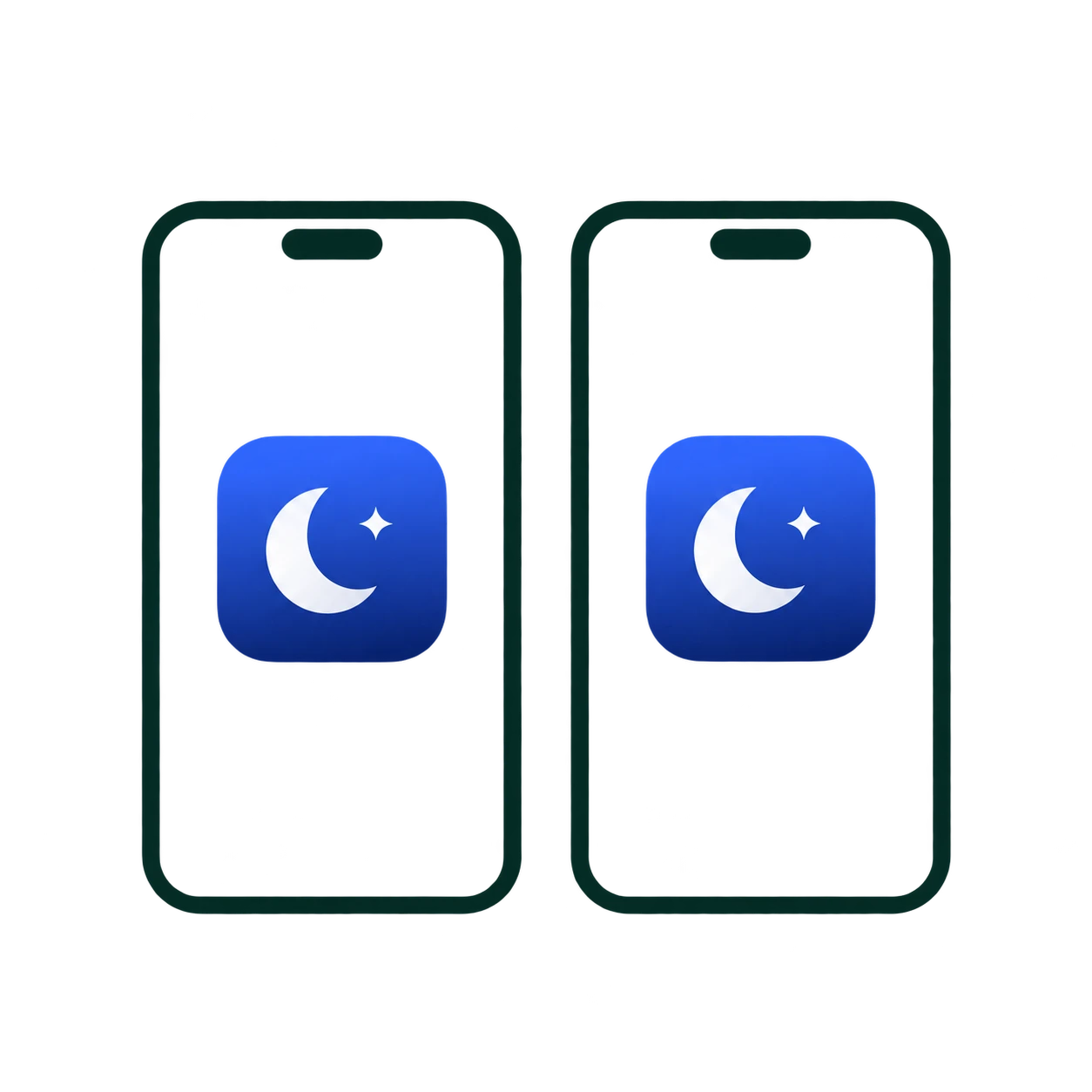
Get Ninna on both phones — one by your baby, one with you.
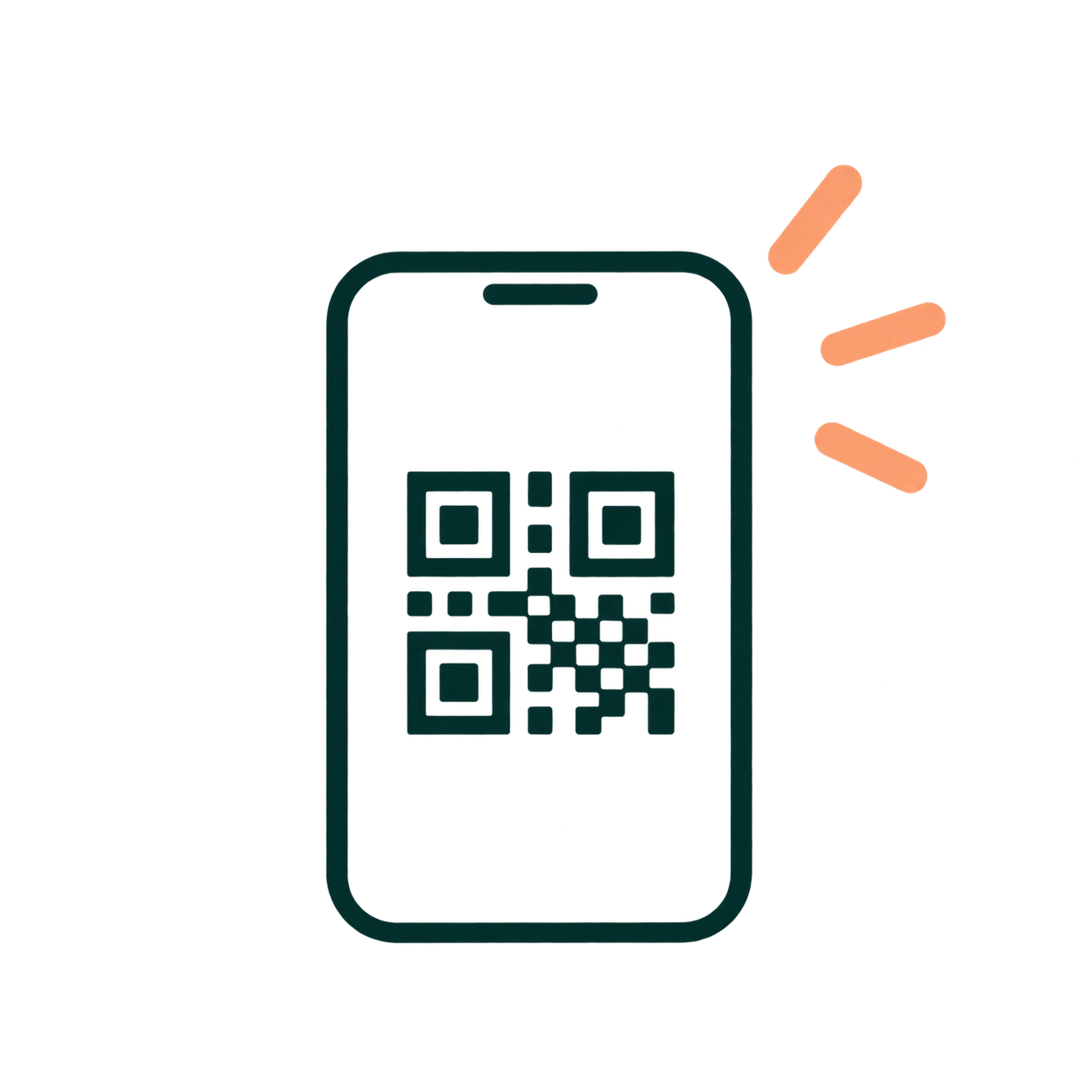
Scan the QR code to connect your phones. You can also enter a code.
See and hear your baby from the next room, on the same Wi-Fi.
A closer look
From two phones to your first live view.
The video couldn’t load. Follow the three setup steps instead.
Room to breathe
For everyday naps, a weekend away, or an afternoon at the grandparents’. Put the phones you already have to work.
Check in on your baby from the phone you keep with you.
Use two-way talk to speak through the camera phone.
Connection and low-battery alerts help you notice when the camera phone needs attention.
A little help along the way
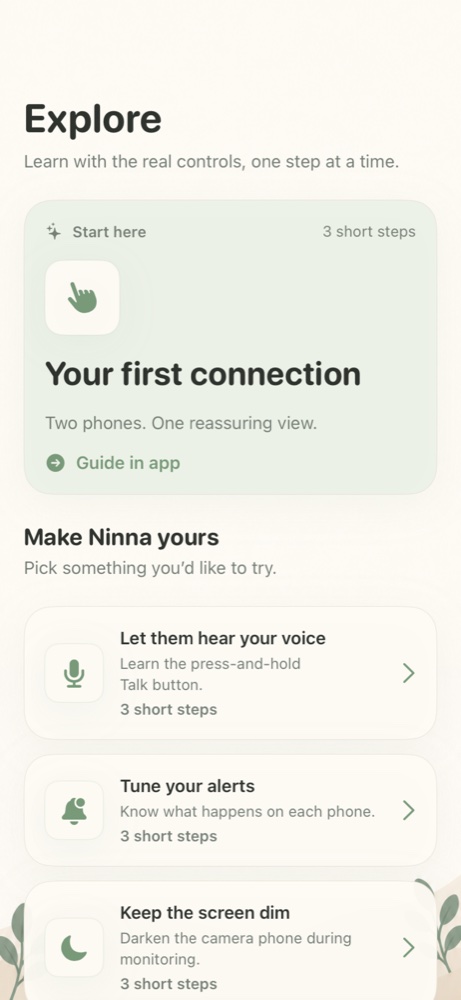
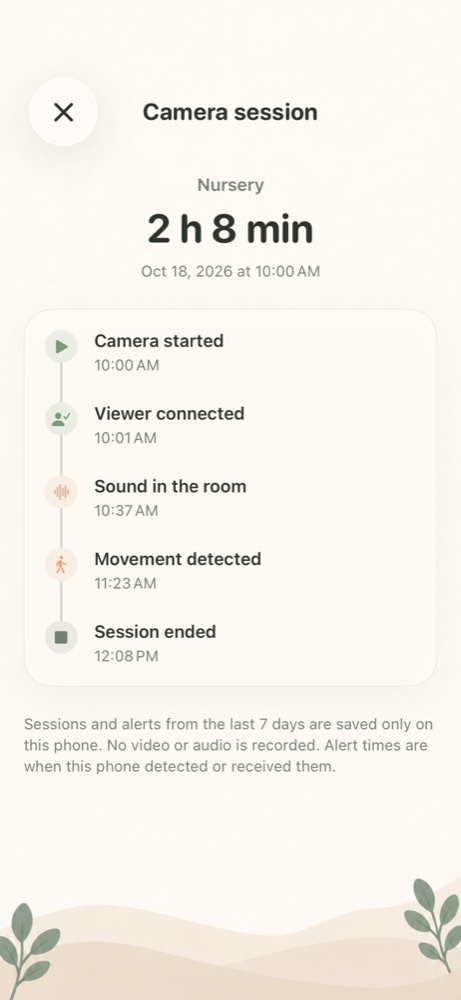
Explore guides you through the controls inside Ninna. Activity keeps recent session times and alert summaries on your phone for up to seven days.
No video or audio recordings. Choose a background and a friendly helper character to make the app feel like yours.
Explore, Activity, household sharing and the expanded sign-in options are part of Ninna 1.0.5. Availability depends on the version offered by your store. Earlier versions keep their existing monitoring features.
Start simple
Start with the phones and Wi-Fi you already have.
Ninna Free
Free
Ninna Pro
Available in the app
Monthly, yearly and lifetime options are shown in the app before purchase. Remote viewing needs internet on both phones. Each household member uses their own account; camera access is paired separately.
Ninna does not record or store your live video and audio.
Read our privacy policyYes. One phone stays in the room as the camera. The other stays with you so you can watch and listen. Install Ninna on both.
Yes. Ninna is available for both platforms, and you can pair an iPhone with an Android phone. Check your phone’s store listing for compatibility.
Watch and listen locally when both phones are on the same Wi-Fi, and use two-way talk. Remote viewing across different networks requires Pro.
Local monitoring works on the same Wi-Fi without internet. Remote viewing needs an internet connection on both phones and Pro. Some guest networks isolate devices and prevent a local connection.
No account is needed for local monitoring. For Pro, use your account on the parent’s phone and follow the in-app setup for the camera phone.
A Pro owner can invite up to five other household members, each with their own account. Use Apple, Google or an email code to sign in on either platform. Household sharing gives Pro access; pair each viewer with the cameras it should see. This is Ninna's own household feature, separate from store family sharing.
No. Activity stores only recent session and event summaries on your phone for up to seven days, with limits of 60 sessions and 200 events per session. Live video and audio are not recorded.
Use a stable stand outside the cot, with the phone and charging cables out of your baby’s reach. Keep the camera phone awake and Ninna running. Ninna supports monitoring; it does not replace adult supervision.
Two phones. One baby monitor.
Install Ninna on both phones and start on your home Wi-Fi.